Contact form html send to email from a static page
A contact form html send to email is a form that lives in your HTML and delivers the message to a mailbox you already read. The visitor types a name, an email address, and a note, and stays on your site. You do not install PHP, and the browser does not open a mail app. The snippet on this page is that form.
Open an inbox
Create a free account and open the dashboard. The first inbox has an access key and a notification address. Use the mailbox you already check. The key is safe to publish. It cannot change the recipient or read other messages. The free plan emails 100 submissions each UTC month. A new account also has Pro limits for seven days, with no card. Pro after that is $12 a month.
Paste the HTML
Copy the form under these steps. The action is https://getformpost.com/api/submit and the method is POST. A hidden input named access_key carries the key. Signed in, the box fills it. Otherwise paste the key, then copy again. That markup is the contact form html send to email. Keep your own labels and CSS.
Read the message
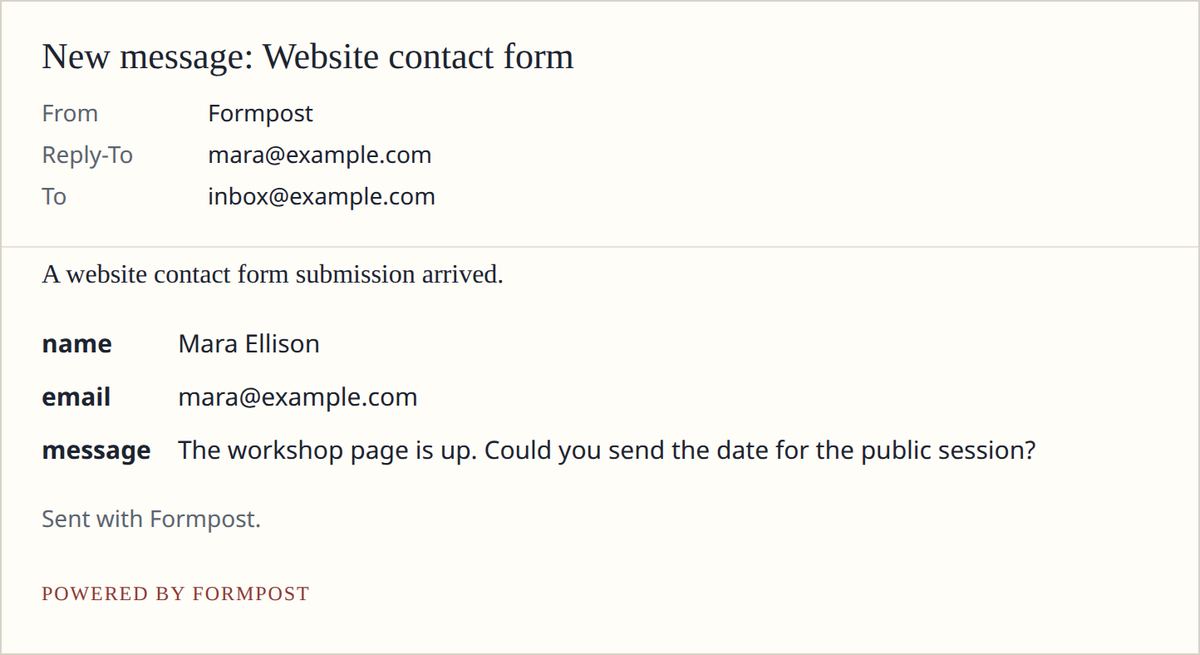
Deploy the file and submit once from the live URL. The fields arrive as email, and the same text is listed in the dashboard. A normal email address becomes Reply-To, so your answer goes to the visitor. Sent means delivery was accepted. Logged means the row is saved and mail is not connected yet. Failed means the save worked and the send did not.
The HTML below updates as you type. You do not edit the code.
HTML
<form action="https://getformpost.com/api/submit" method="POST">
  <input type="hidden" name="access_key" value="YOUR_ACCESS_KEY">
  <label>
    Name
    <input type="text" name="name" required>
  </label>
  <label>
    Email
    <input type="email" name="email" required>
  </label>
  <label>
    Message
    <textarea name="message" required></textarea>
  </label>
  <input type="text" name="botcheck" tabindex="-1" autocomplete="off" style="display:none" aria-hidden="true">
  <button type="submit">Send</button>
</form>
HTML form to email on a file you host
An html form to email starts as a file you already edit. A typical page is contact.html, or a section of index.html, on GitHub Pages, Cloudflare Pages, Netlify, or a bucket. The host only has to serve the file. Deploy, then submit once from the live URL. Some static hosts intercept posts aimed at their own domain. This form posts to our host, so that intercept does not apply. Never put a mailbox password in the repository. The contact form html send to email stays next to the page. The POST handler is the only piece elsewhere.
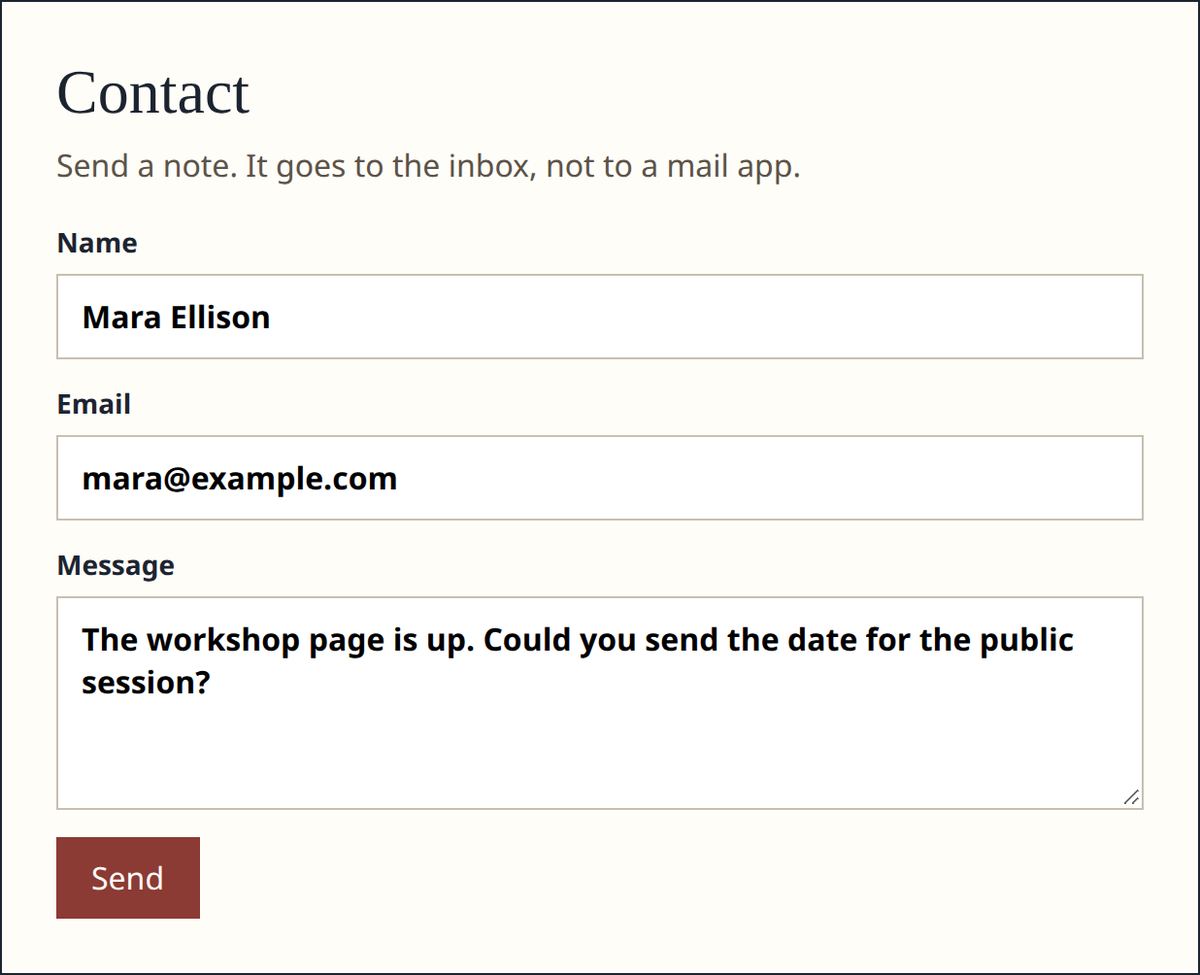
HTML form send email without a mail client
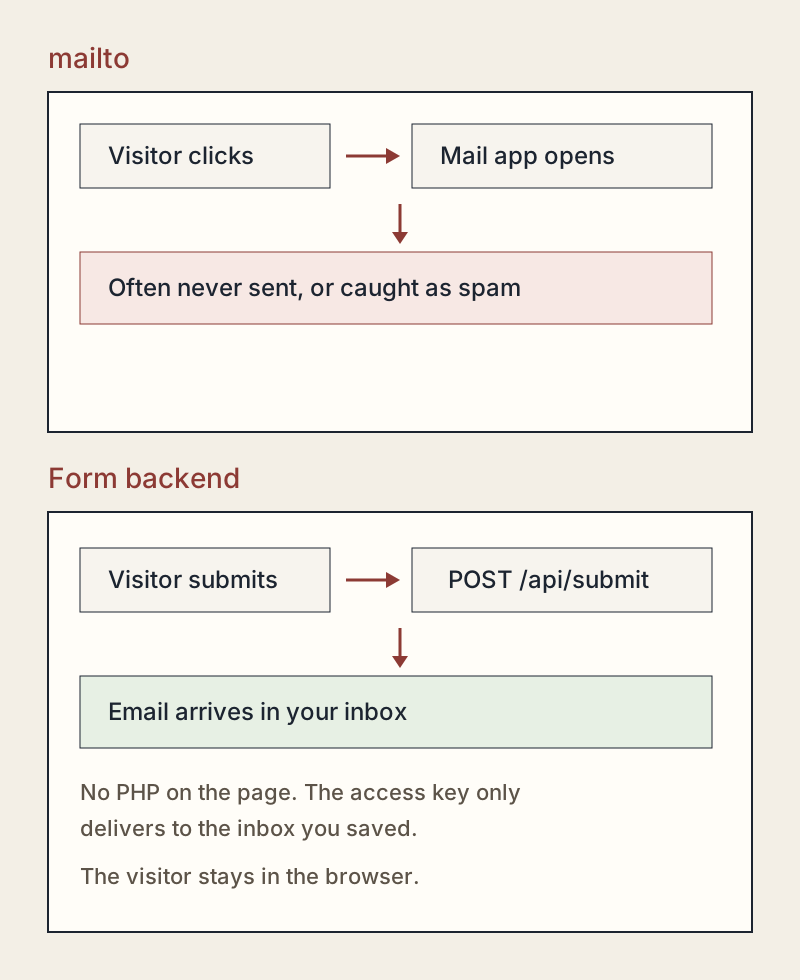
An html form send email link written as mailto looks short and then fails. The click opens a mail program, or it does nothing on a phone that has none. The recipient and the body sit in the URL, so a long note is cut off and the visitor can change the address. Many people never press Send. Filters also distrust mail that arrives from dozens of personal accounts. Replace the link with a form. The button posts to the endpoint, the visitor gets a thank-you page, and you get one message in the mailbox you named. That form is a contact form html send to email, and the visitor never opens a compose window.
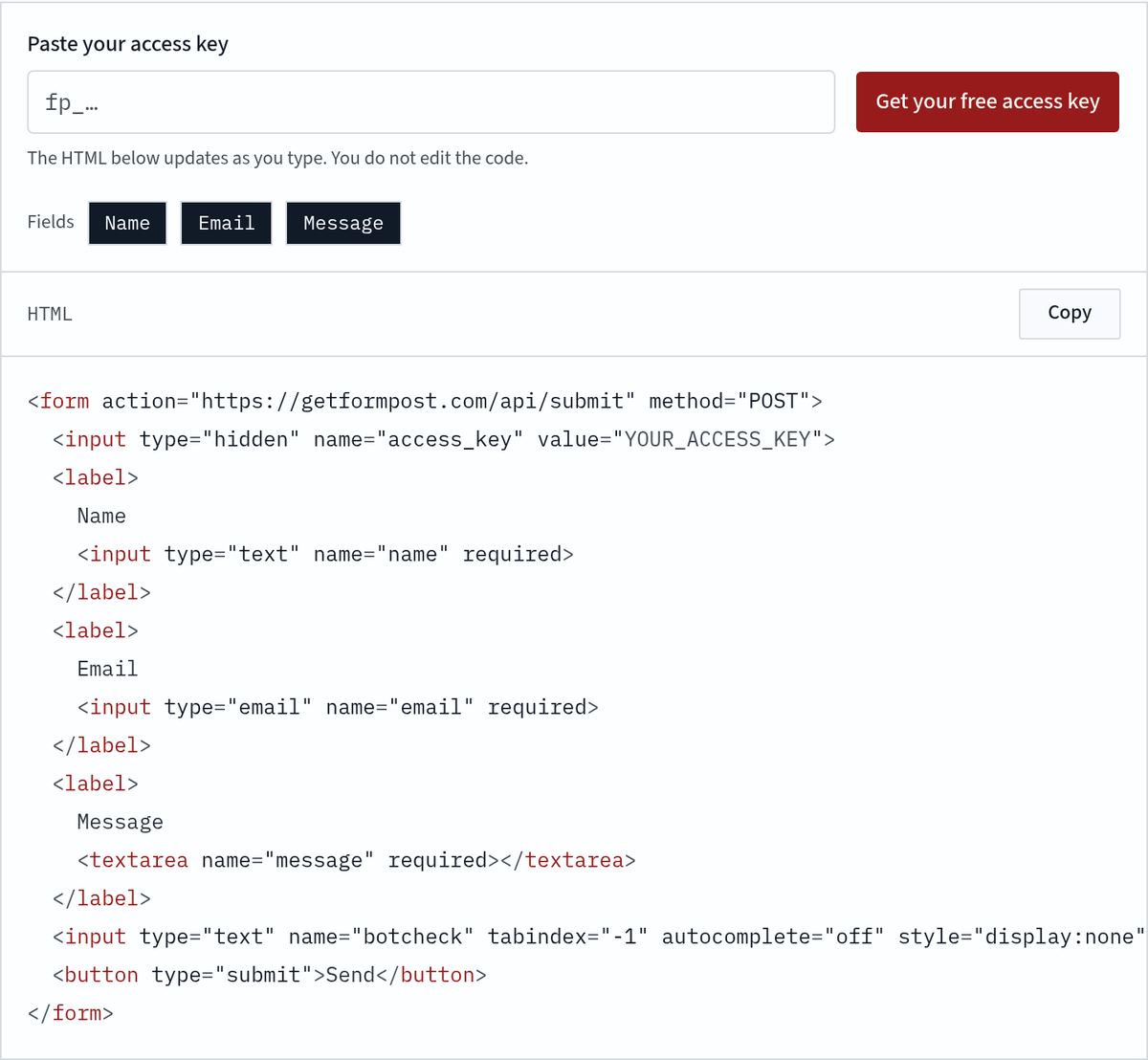
Send an HTML form to email without a server or PHP
To send an html form to email without a server or PHP, the browser posts somewhere that already accepts mail. PHP mail() assumes that place is the same host as the file. A static host often returns 404 for contact.php, or it runs PHP and then refuses outbound mail. Even a successful mail() call is easy to lose, because shared hosts are already on block lists, and the credentials would sit next to the site. Post the form to https://getformpost.com/api/submit with the access key. We accept the body, drop obvious bots, store the text, and hand it to your notification address. This contact form html send to email path does not ask your host to speak SMTP.
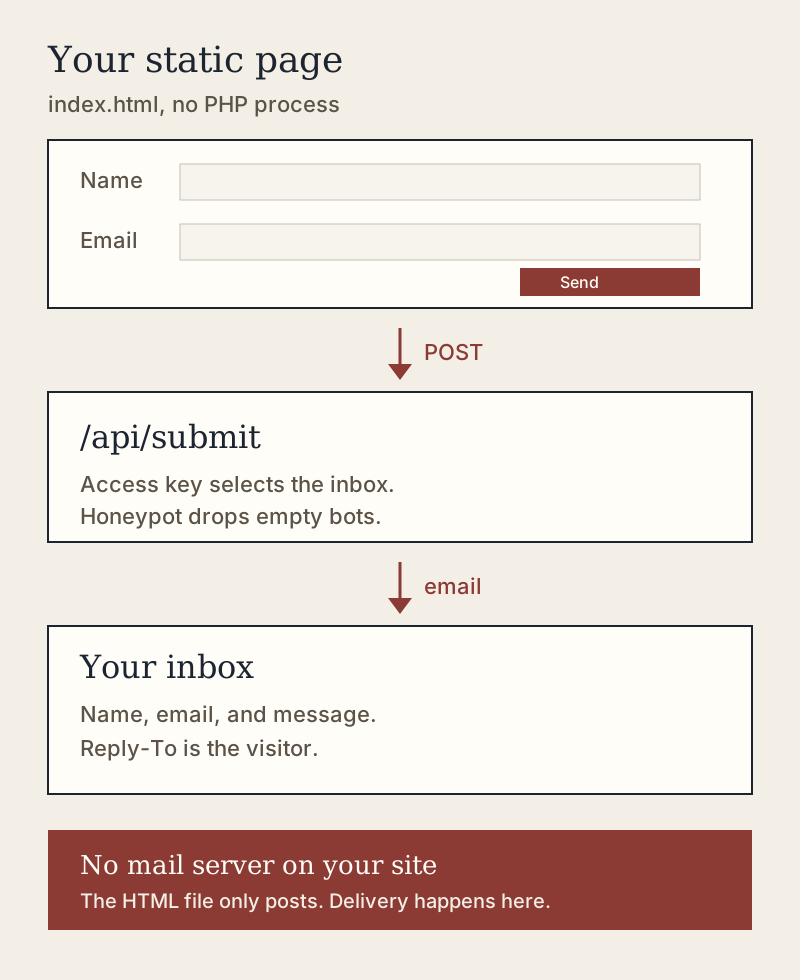
HTML contact form send to email
An html contact form send to email uses three fields at first: name, email, and message. Those names are the lines in the mail. Extra text inputs are forwarded too. File inputs are ignored. The snippet adds a field named botcheck, hidden with CSS and removed from tab order. People skip it. A script that fills every input fills it too, and the endpoint pretends to succeed, then discards the post. Nothing is stored. The same IP and the same key can succeed about once every five seconds. JavaScript is optional. A fetch that sends Accept: application/json, or _reply set to json, gets a status object instead of a new page.

What the inbox email contains
The subject is _subject, or subject, or a default that names the inbox. Every other field is listed in arrival order. The access key, the honeypot, and the reply flag are left out of the message. One plain email or from address becomes Reply-To, and newlines in it are rejected so it cannot add headers. The dashboard stores the same fields with a status of sent, logged, failed, or locked. Locked is the free plan past 100 in the UTC month: the row is kept, the fields stay hidden until you upgrade, and no field email goes out. Pro is $12 a month for 5,000 submissions and 20 inboxes. Past 5,000 the post is refused. This is a log, not a mailing list.
Mailto versus a form backend
The usual answers are a mailto link, a PHP mail() script, or a browser SDK. A contact form html send to email on a static host needs the path that does not open a mail program and does not ask you to run PHP.
| mailto | PHP mail() | EmailJS | Formpost | |
|---|---|---|---|---|
| Where it runs | In the visitor’s mail app | On a PHP host | In browser JavaScript | On the form endpoint |
| Server on your site | None | PHP required | None | None |
| What the visitor sees | A compose window | Your page, if mail() works | Your page, after a script | Your page, then a thank-you |
| Secret in the page | Recipient address | Password stays on the server | Public key in the browser | Access key for one inbox |
| Lands in your inbox | Only if they press Send | When the host allows mail() | Through their API | Email plus a dashboard copy |
| Spam control | None | Whatever you write | Their quota and rules | Honeypot and a short pause |
When the message does not arrive
A contact form html send to email that seems to do nothing has usually finished the POST. The gap is between the endpoint and the mailbox you are watching. Use the four checks below before you rewrite the form.
Nothing landed in the inbox
Check the notification address, then submit from a private window. Sent means the provider accepted the message. Logged means delivery is not connected yet and the text is still in the list. That is normal before mail is set up, and the wrong state to leave on a public site. Failed means the save worked and the send returned an error. Confirm the key in the page is the current key. Rotating the key stops the old one immediately.
Check the spam folder
A first message from a new sender often lands in spam. Search for the inbox name and for the visitor address before you call the form broken. Move one real message to the inbox so later ones follow. Ask someone else to submit. A provider that has never seen this sender is stricter than a note you sent to yourself. The free plan adds a small Formpost line. That line is not why a message is filtered. A new From address is the usual reason.
Redirect and the thank-you page
A normal submit follows a redirect only after you save a thank-you URL on the inbox. The URL must be https, or http on localhost, and it must be the one you saved while signed in. A redirect field in the POST cannot send the browser elsewhere. Without a saved URL, the visitor sees a short hosted thank-you page, not a blank screen or raw JSON. A fetch that asks for JSON does not navigate. It receives success, a short message, and an id. Click the live button once so you see the page visitors see.
Honeypot spam
If people say they submitted and you have no row, check the honeypot. botcheck must arrive empty. Autofill, or CSS that leaves the input in the tab order, can fill it. The endpoint then pretends to succeed and discards the post, which looks like a lost email. Hide it, set tabindex to -1, and turn autocomplete off. The snippet already does that. Scripts that fill every input are dropped. A person who types the note is not.
Where to read next
The parent page, form to email, is the request itself: content types, Reply-To, and the locked redirect. The homepage is the website contact form with the same snippet. Plan limits and the $12 Pro plan are on pricing and on the free contact form page. Shorter notes from the same work are collected on the blog. Use this contact form html send to email when the page is already written and the only missing piece is the inbox.
Frequently asked questions
The questions below cover the cases that show up after the first real visitor: a quiet inbox, a spam folder, a thank-you page, and a honeypot that was a little too eager.
Paste it on the free plan
Create an account and the first contact form html send to email is ready to copy. The free plan emails 100 submissions each UTC month, for one inbox. Pro is $12 a month when you need 5,000 submissions or more than one site. Read the cap on the free contact form page, or subscribe from pricing.
Create a free account